
Context
My girlfriend and I love to cook. We have a custom cookbook with a lot of recipes, some were printed by us and some are mostly papers that we tend to accumulate.
Unfortunately, it started to be difficult to use. It took us a lot of back and forth to find the recipes we were looking for. Some pieces of paper did not fit well in our book and fell off. It was time to look for a solution.
I can't remember how, but I found Mealie and I was speechless! It was exactly what I was looking for! 🤯
Presentation
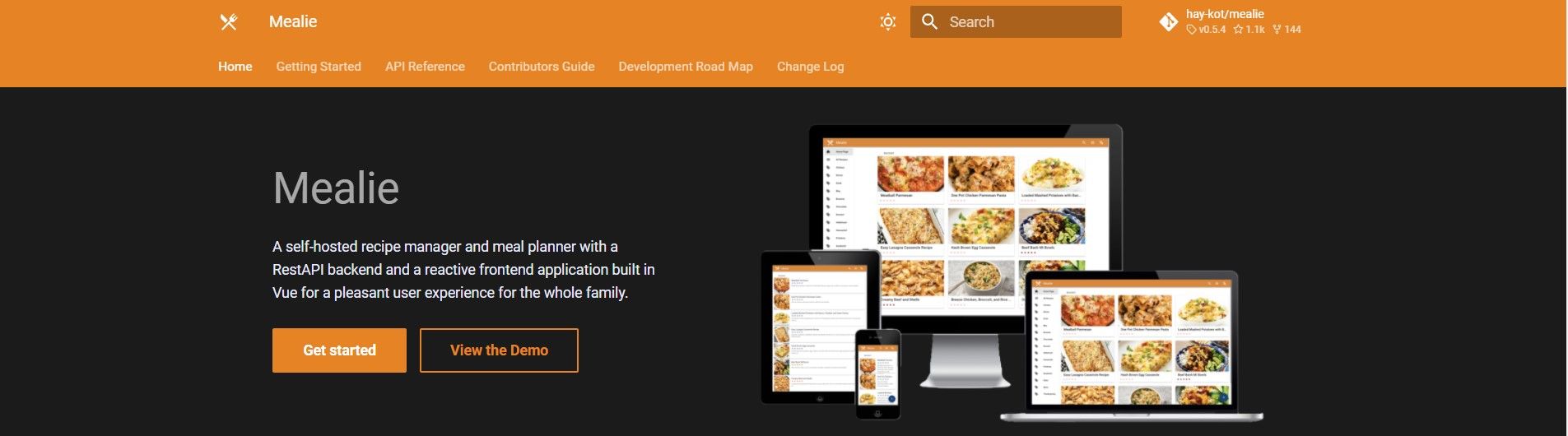
It is a self-hosted application to manage your recipes. It has a simple but nice interface. At the time of writing, the application has been fully translated into 18 languages! And the best part is that the application is open-source!
Let's take a closer look at what the interface looks like. 🔎
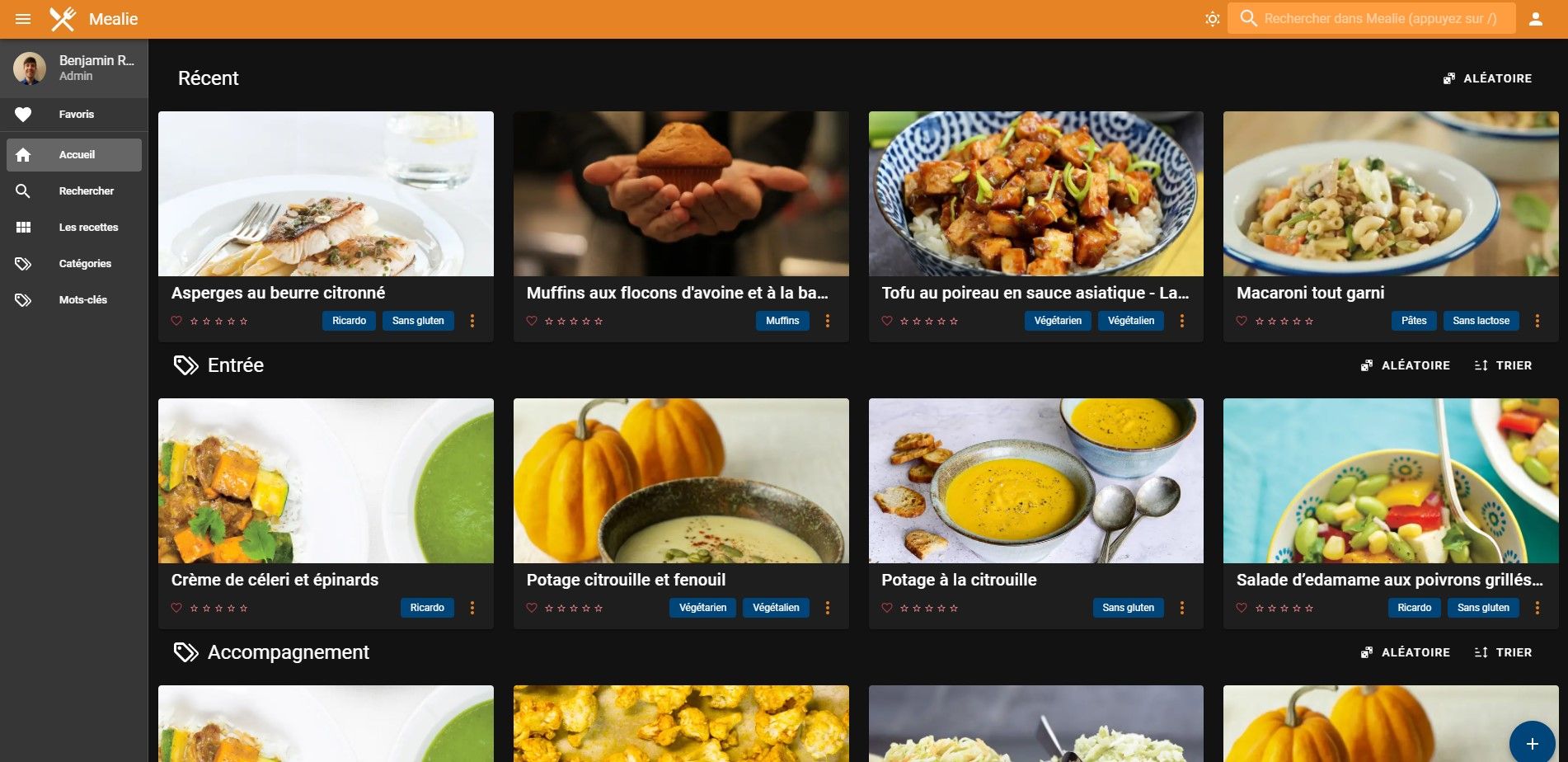
To add a recipe, it's quite simple: click on the + button at the bottom right of the window and click on one of the new buttons that have appeared:
- [Folder] Import a recipe from another Mealie instance
- [Edit] Create a new recipe from scratch
- [Link] Import a recipe from the Web

One feature I love is importing a recipe from the Web. The application has an automatic recipe scrapper that can add one in a few seconds!

There you go, the recipe has been downloaded successfully! It works great for Ricardo recipes!
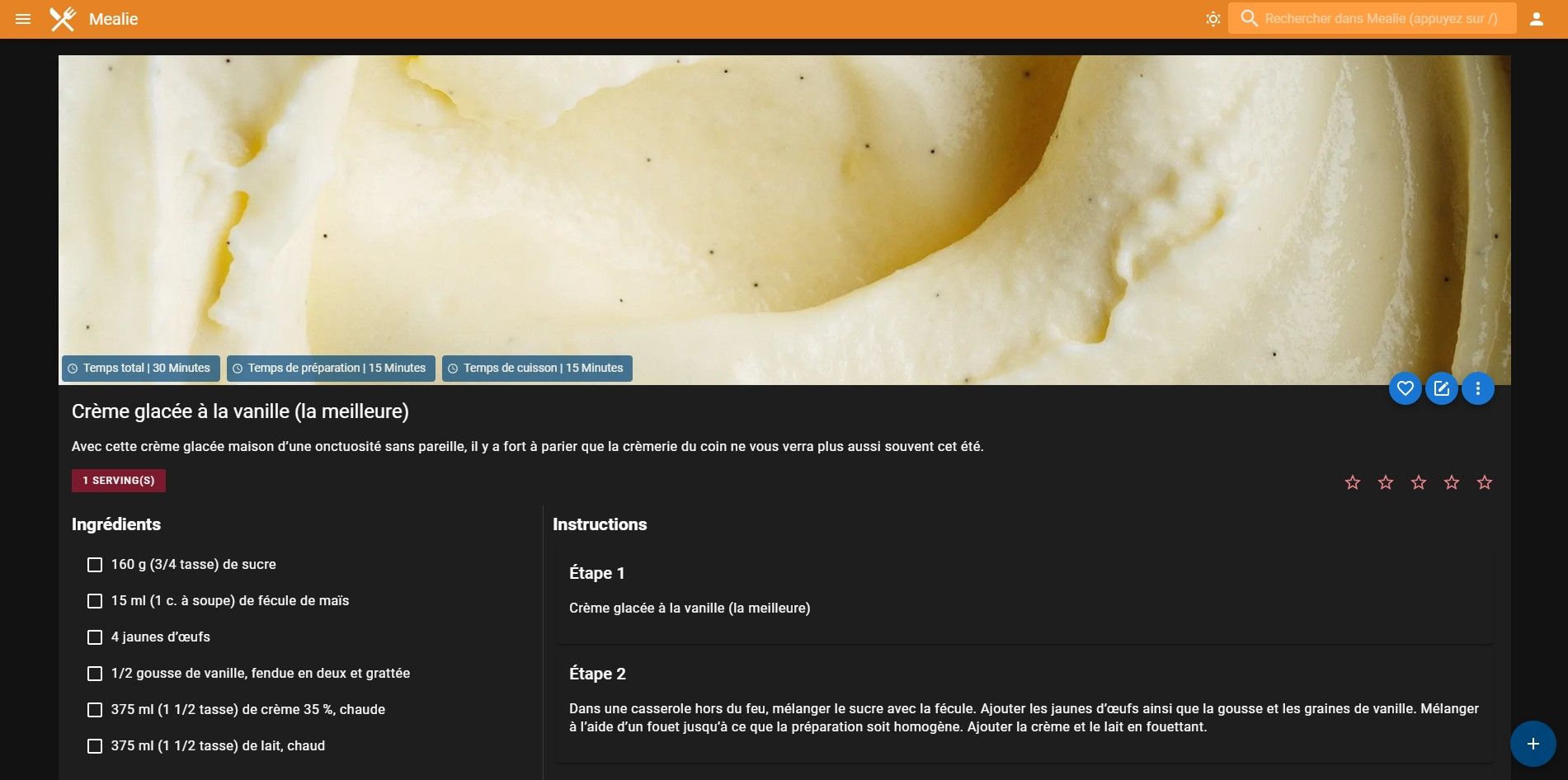
If the recipe has not been imported successfully or if you want to change something, you can edit it with the Edit button located at the bottom right of the recipe image.
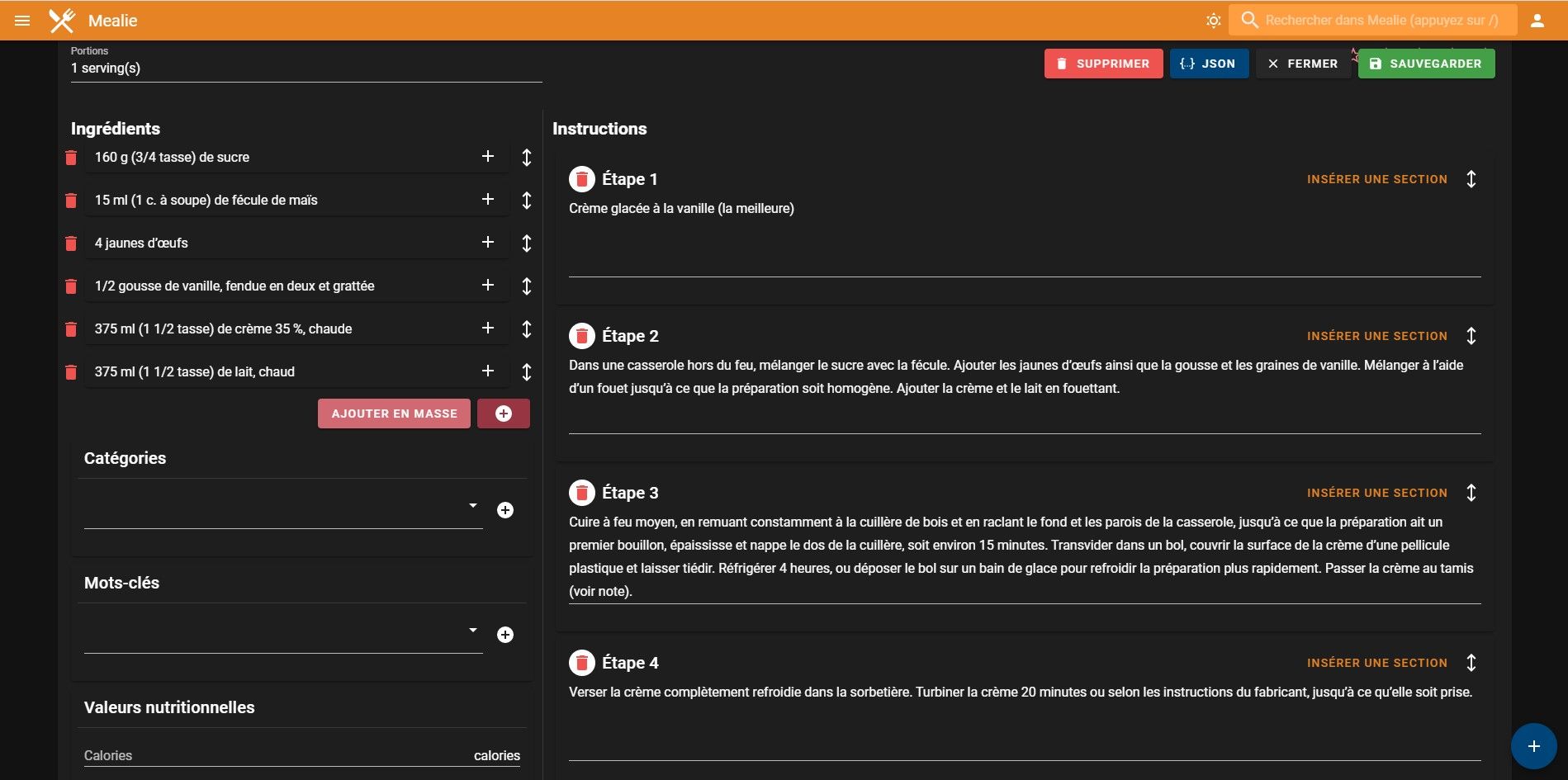
For example, you can:
- Rearrange ingredients
- Edit steps and ingredients
- Divide a step into more precise steps
- Add tags and categories
- Add notes
- Add sections to steps or ingredients
- Etc.
Why
Why you should use an application like Mealie when you can only have some bookmarks? 🤔
- It has a consistent user interface for all of your recipes.
- You can edit the recipes as you like.
- You can classify them easily to be able to find them quicker.
- The application is fully responsive, looks and works great on desktops and mobiles.
- It is completely free and has no ads. 😉
Conclusion
I hope I could convince you to try Mealie! Stay tuned for further developments from Mealie!
Enjoy your meals! 👨🍳